Creating Sub-Page Navigation Menu Links in dotCMS
 Print
Print Email
EmailThe final level of navigation on your site can be created as pages within a folder without "index" pages.
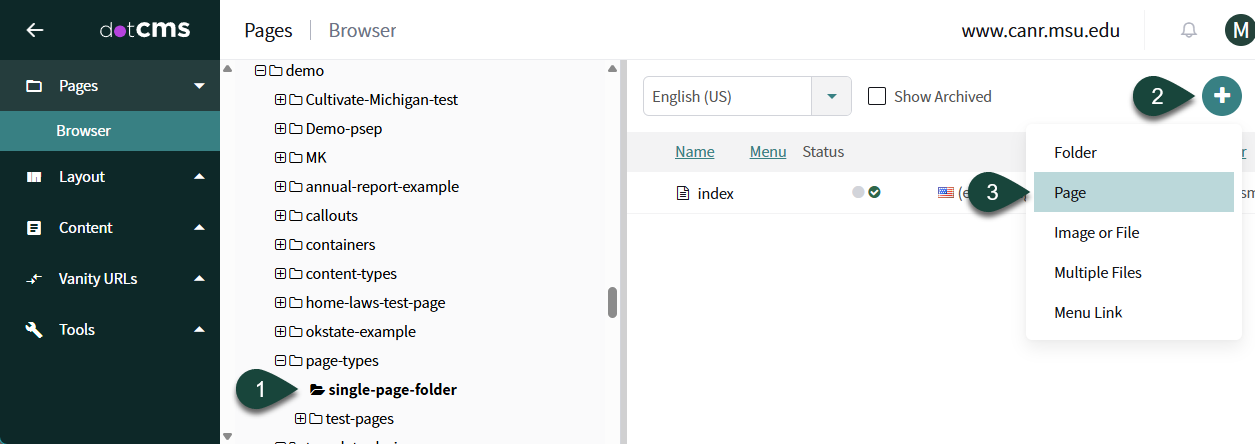
- Select the Folder that represents the second level navigation link you wish to place the last level navigation link within.
- Select Round Button with Three Dots in the upper right corner of the screen.
- Select Page.
- Verify Page Asset is displayed and click the Select Button.

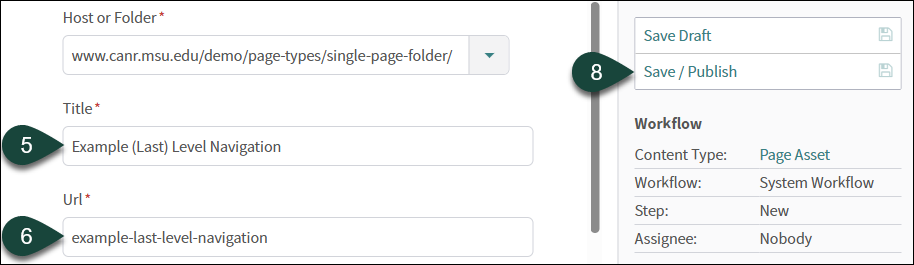
- Enter the Title. This will be the exact wording that will show up in the navigation of the website. (i.e. About, News, etc.)
- Edit the URL if necessary.
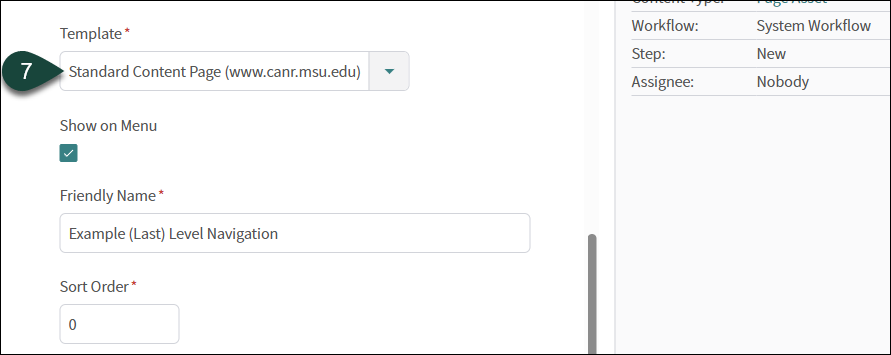
- Select your Standard Content Page from the template drop-down menu.
- Select Save / Publish.