Managing Quotas in EMS
 Print
Print Email
EmailHow to view and manage your quotas in the Events Management System.
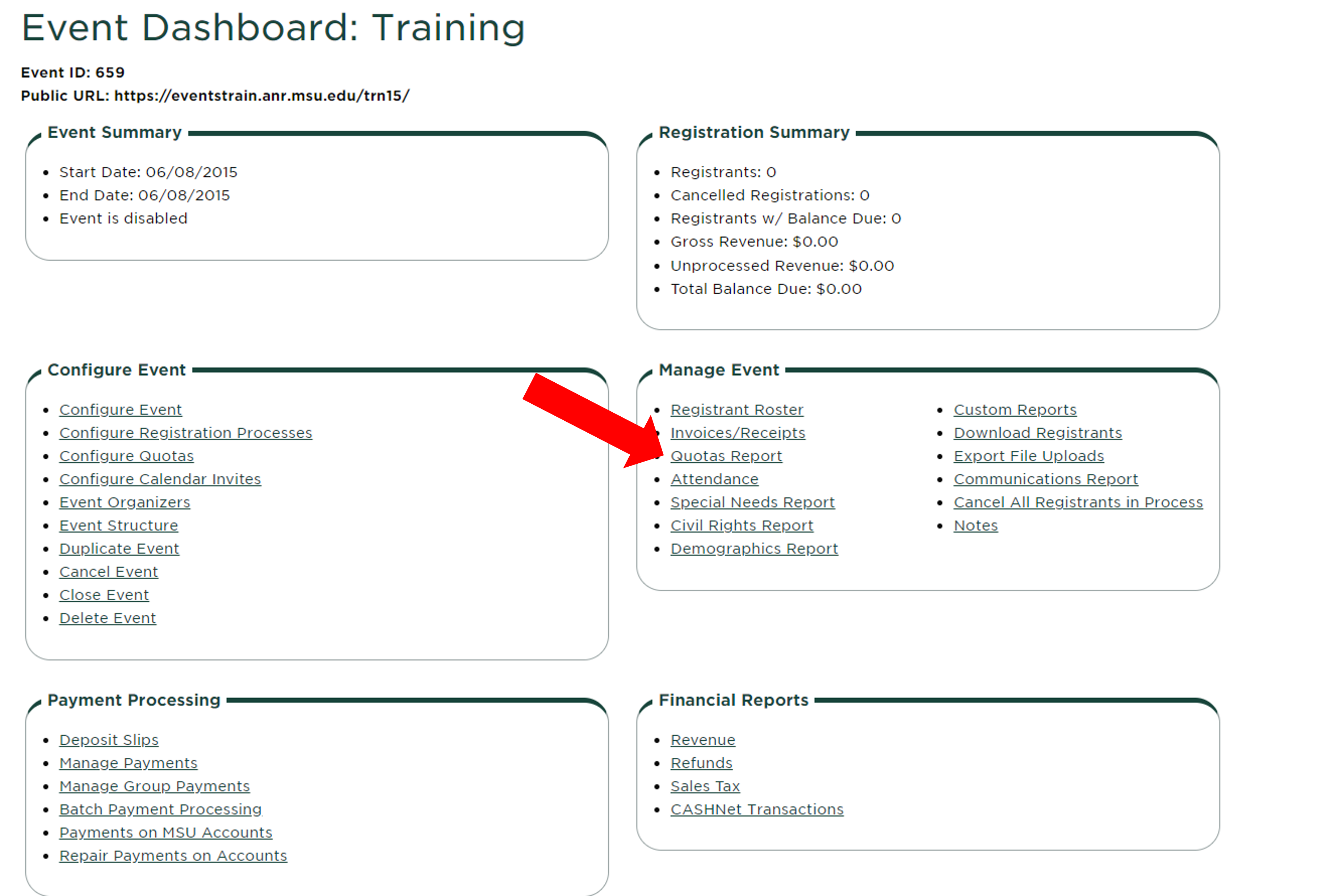
To manage your quotas, click "Quotas Report" in the Manage Event box of the Event Dashboard.
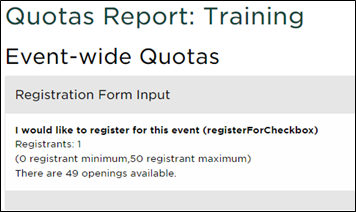
This page will show you all of the quotas created within the event, as well as the minimum and maximum numbers per quota, the number of openings, and the number of people on the wait list.
Managing Quotas and Wait Lists
To create a quota, review this guide for setting up quotas: Quotas in Events Management System
To manage your wait list, review this guide: Wait List Feature in EMS