Cottage Food Business Voluntary Registration: Step-by-Step Instructions
DOWNLOADSeptember 8, 2026 - Michigan State University Product Center
 Print
Print Email
EmailStep 1
Visit the MSU Product Center's Cottage Food Business Voluntary Registration Website.
Step 2
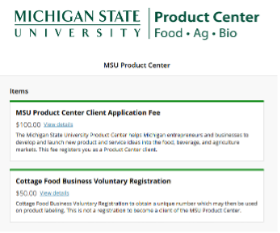
Click on the "Cottage Food Business Voluntary Registration Process" button, which will take you to the MSU Product Center online store.
Step 3
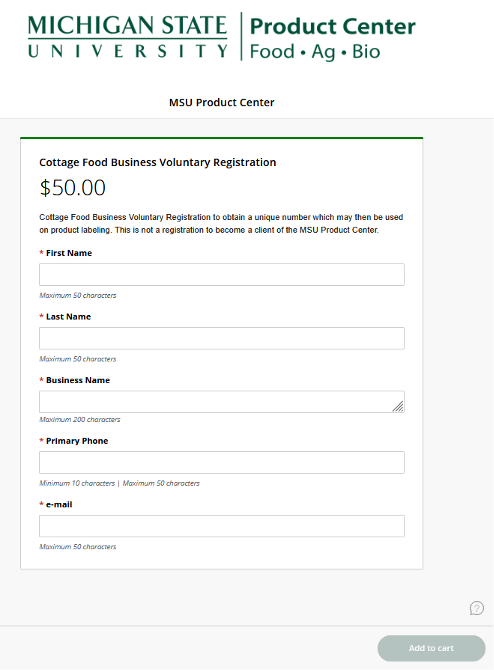
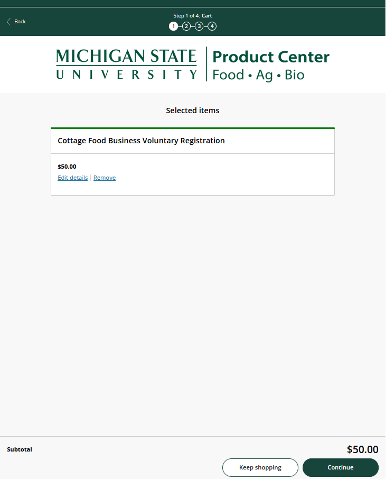
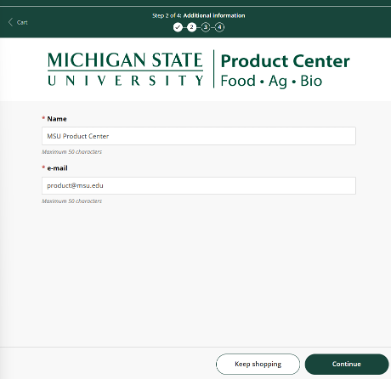
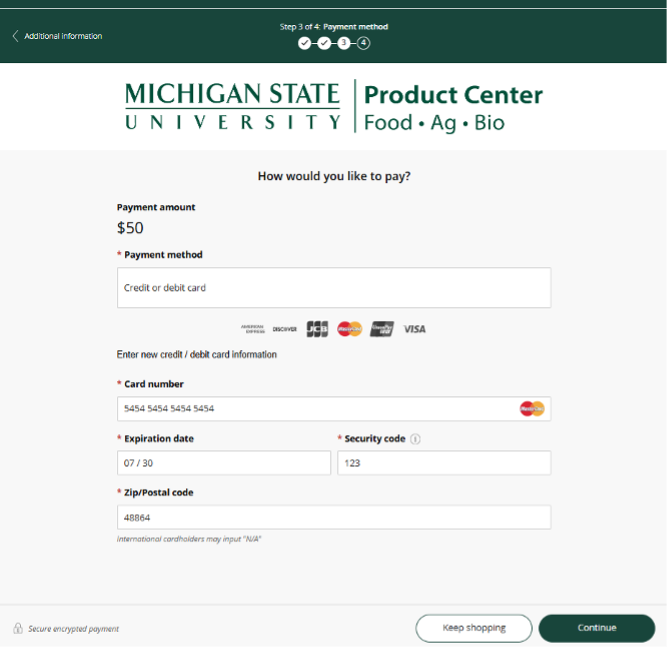
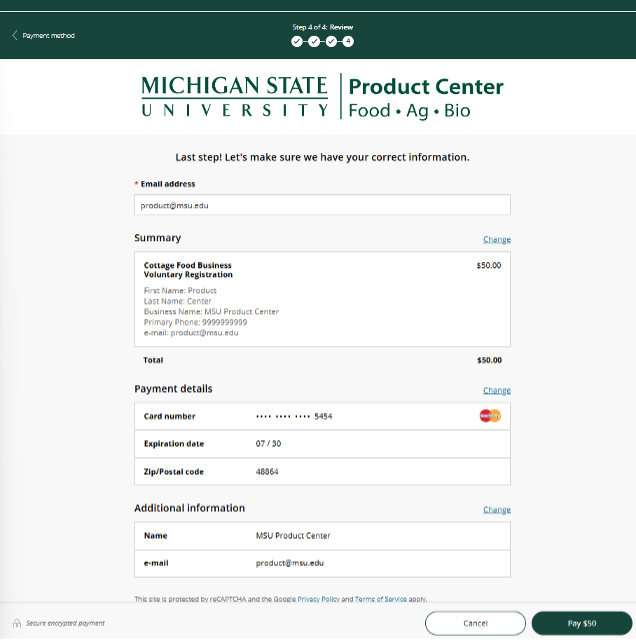
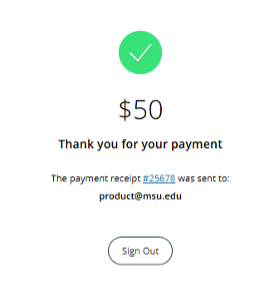
Visit the MSU Product Center Online Store, and make payment of $50 for the Cottage Food Business Voluntary Registration.
Step 4
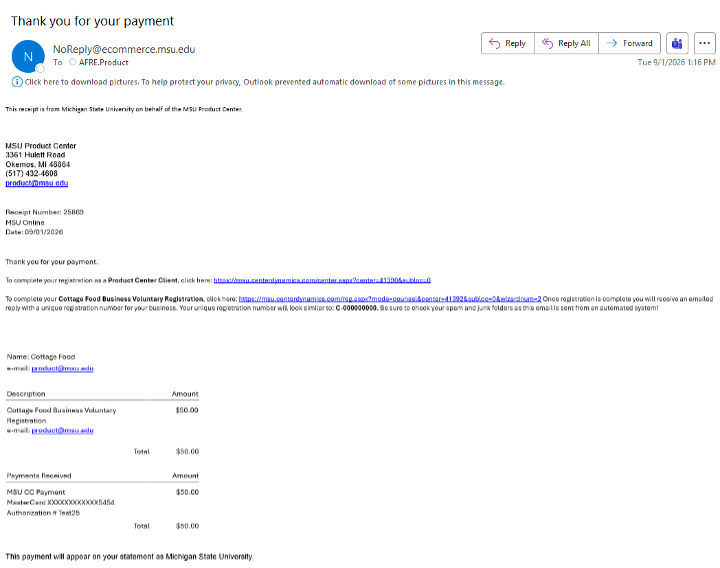
You will receive an email payment receipt from 'NoReply@ecommerce@msu.edu' that will provide a link to the Cottage Food Business Voluntary Registration. Please be sure to check your spam folder.
Step 5
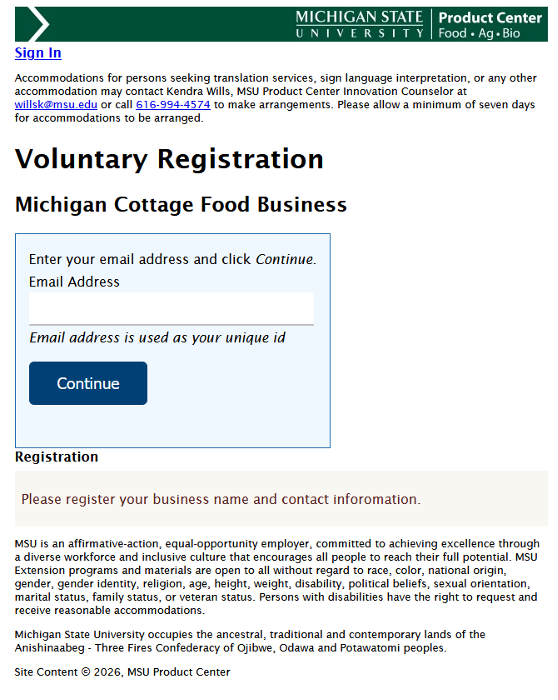
Enter an email address to begin the registration process. Note: Our system only takes unique emails, so if you have registered prior as a Product Center client or in this cottage food registry, you will need a new unique email to register.
Step 6
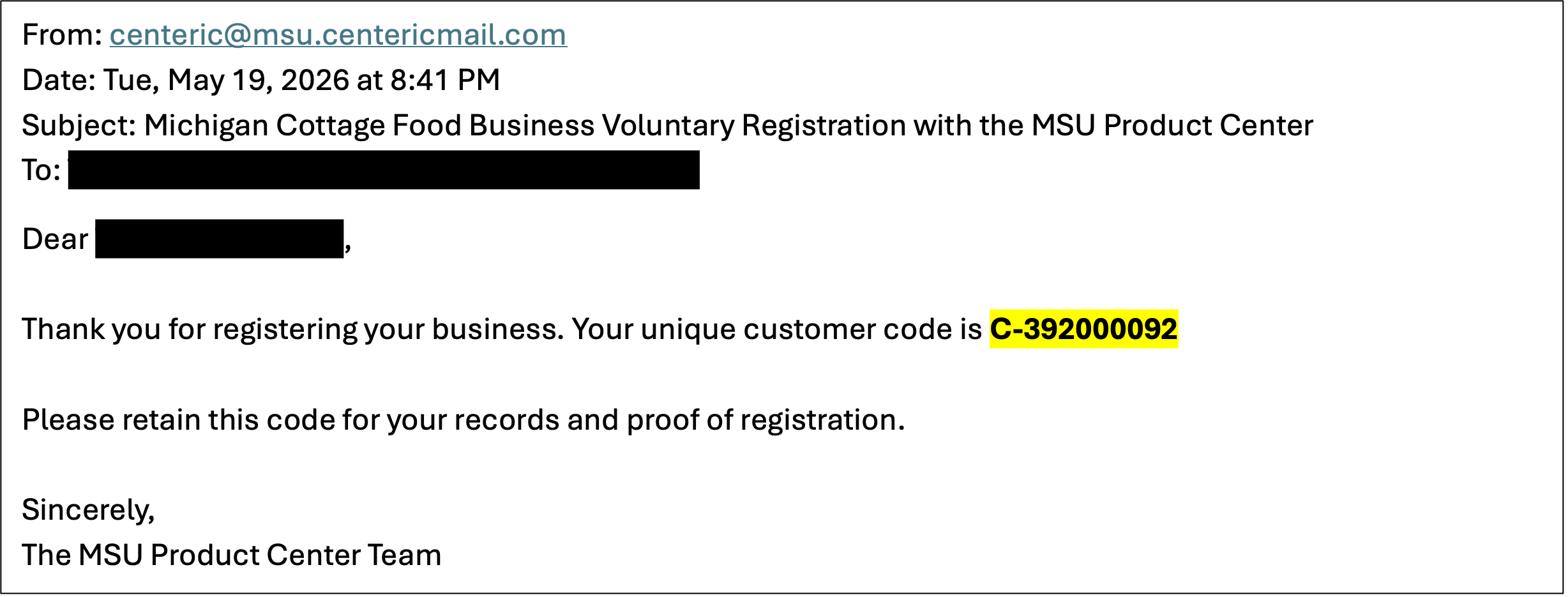
You will receive an email confirmation from 'centeric@msu.centericmail.com' that will contain your unique registration number.