


Presentation Templates
PowerPoint Presentation Templates
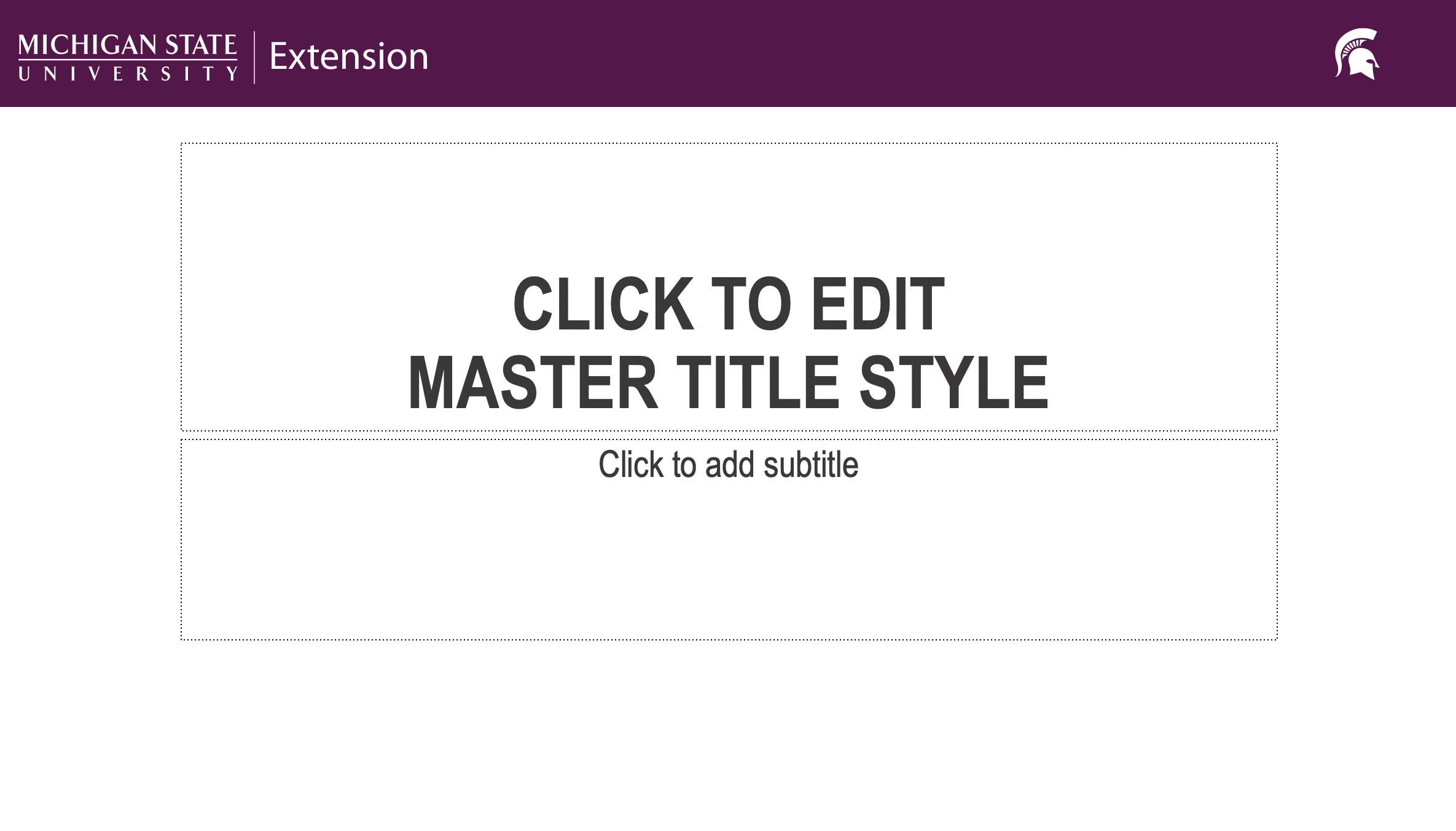
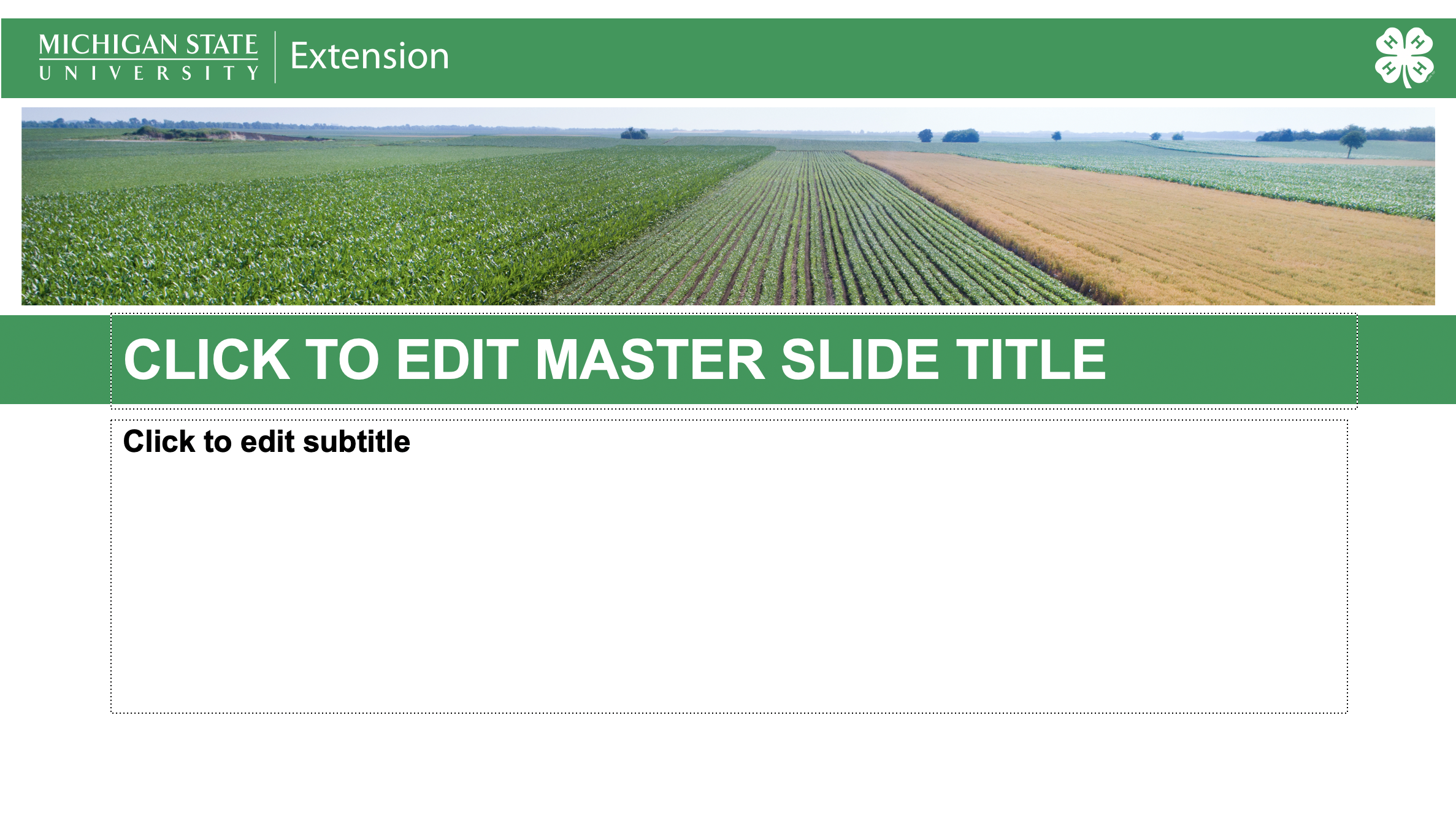
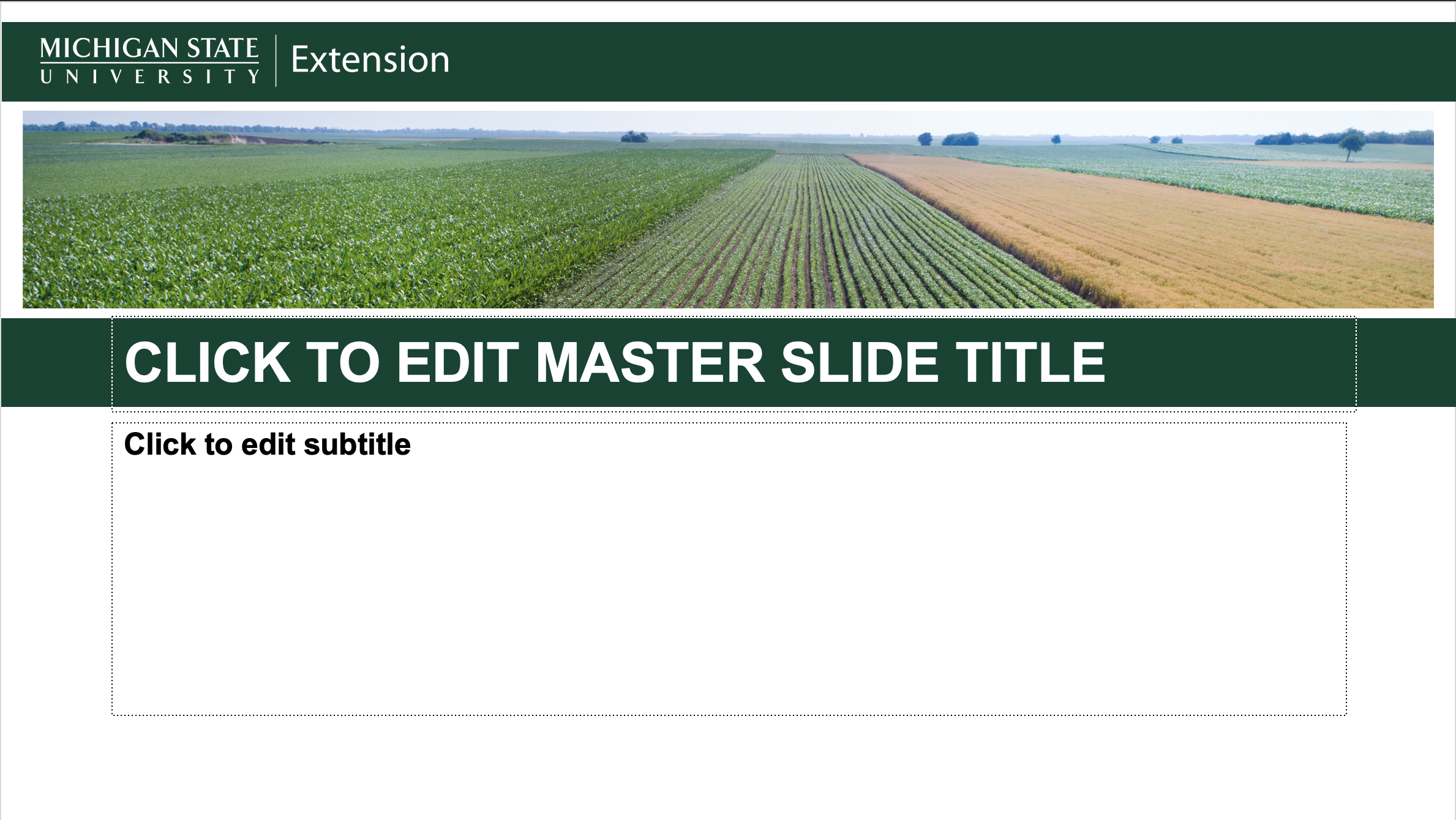
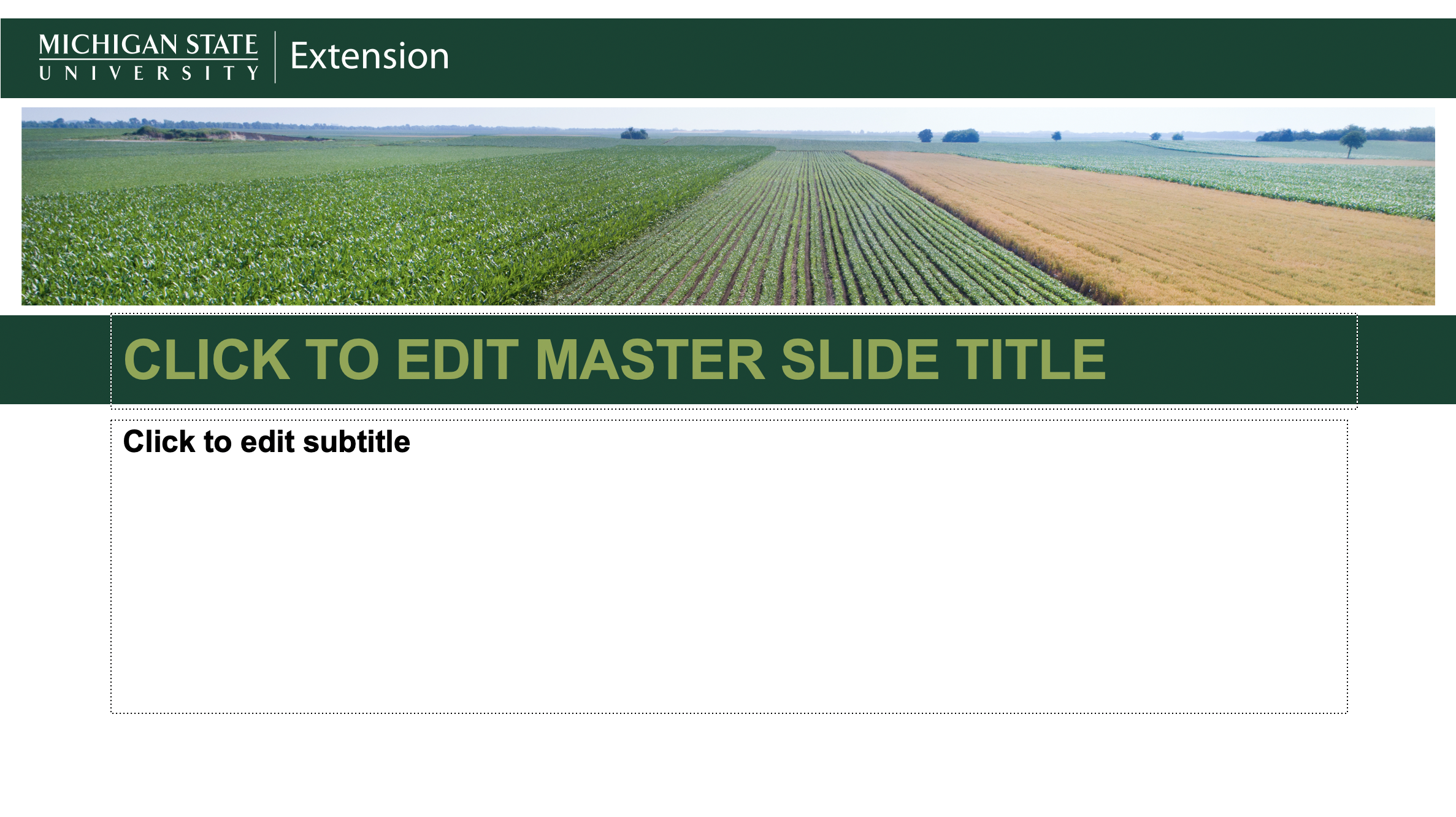
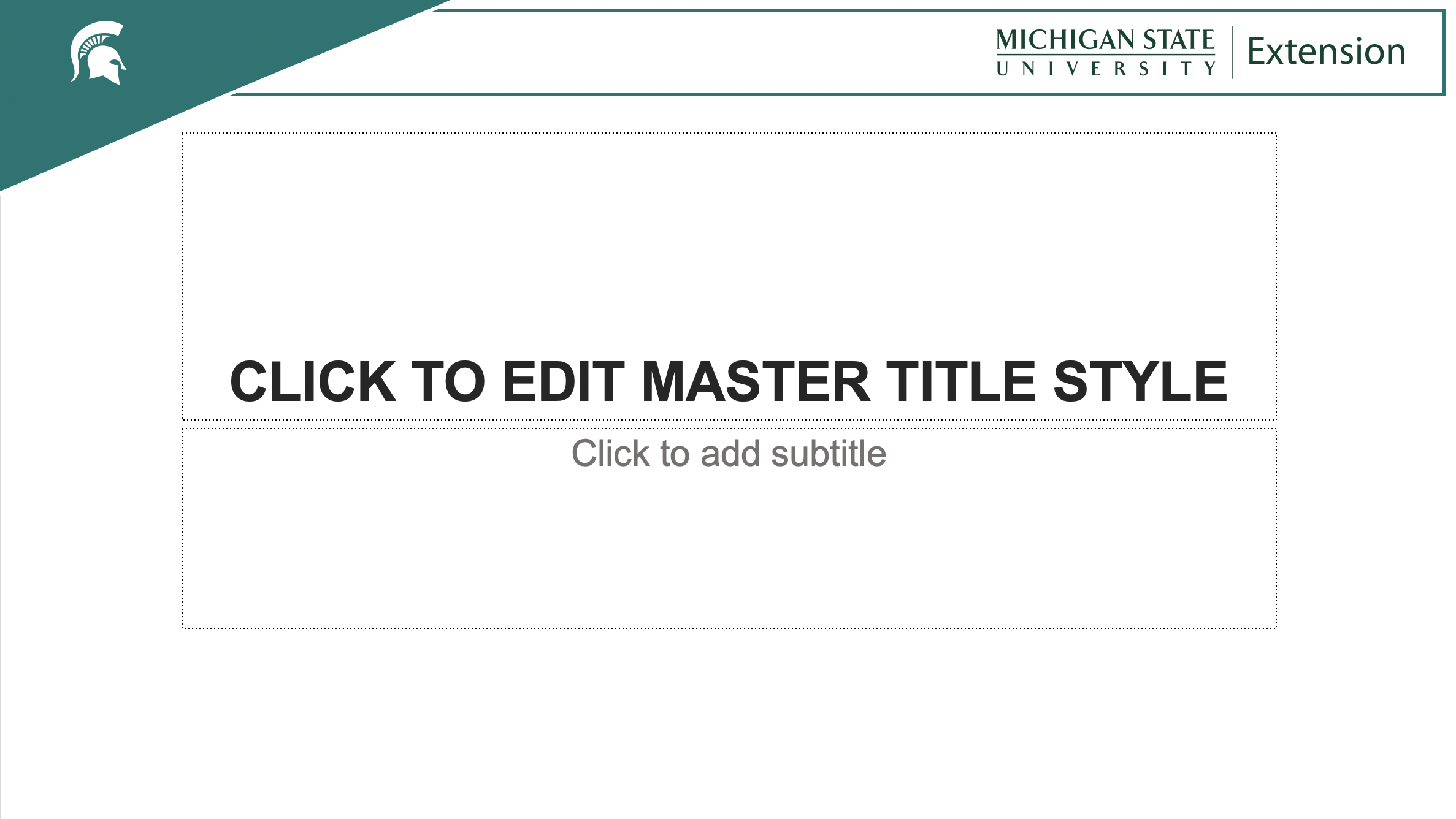
Using a branded PowerPoint presentation template keeps MSU Extension and MSU brand standards consistent across the organization. Presentations can still be customized with photos, slide layout, and text while incorporating required brand standards. There are 16 different presentation layouts with a variety of brand-approved color options, including a 4-H specific option.
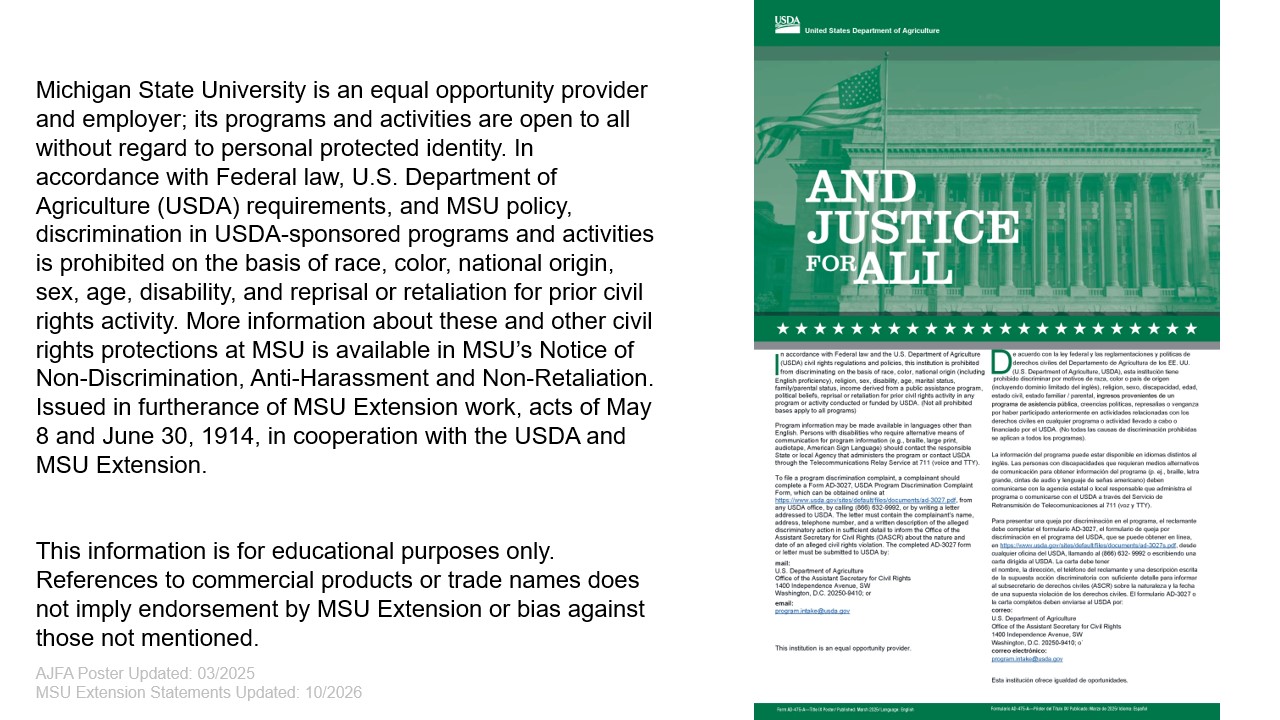
The last slide of each presentation includes the civil rights notification requirements. This slide cannot be edited or changed and should not be deleted. It includes the approved MSU Extension non-discrimination statement, the product endorsement statement, and the And Justice For All poster. The slide also includes the dates for any updates or changes.
Template Instructions
Download step-by-step instructions on using the templates to update existing slides or saving them as PPT Templates to your own computer. Please make sure that you are always using the latest versions by referring to the last slide in the templates for the updated dates. Any older templates should be updated to the newer versions. The most current update is October 2026.
Presentation Templates
All presentation templates can be downloaded from SharePoint at the link below. You can view the different options below before downloading. If you need to update the civil rights slide in an existing presentation, you can do that by downloading the And Justice For All individual slide and inserting it into the existing presentation.
PowerPoint Presentation Templates
And Justice For All Individual Slide
Template Version 1 Options
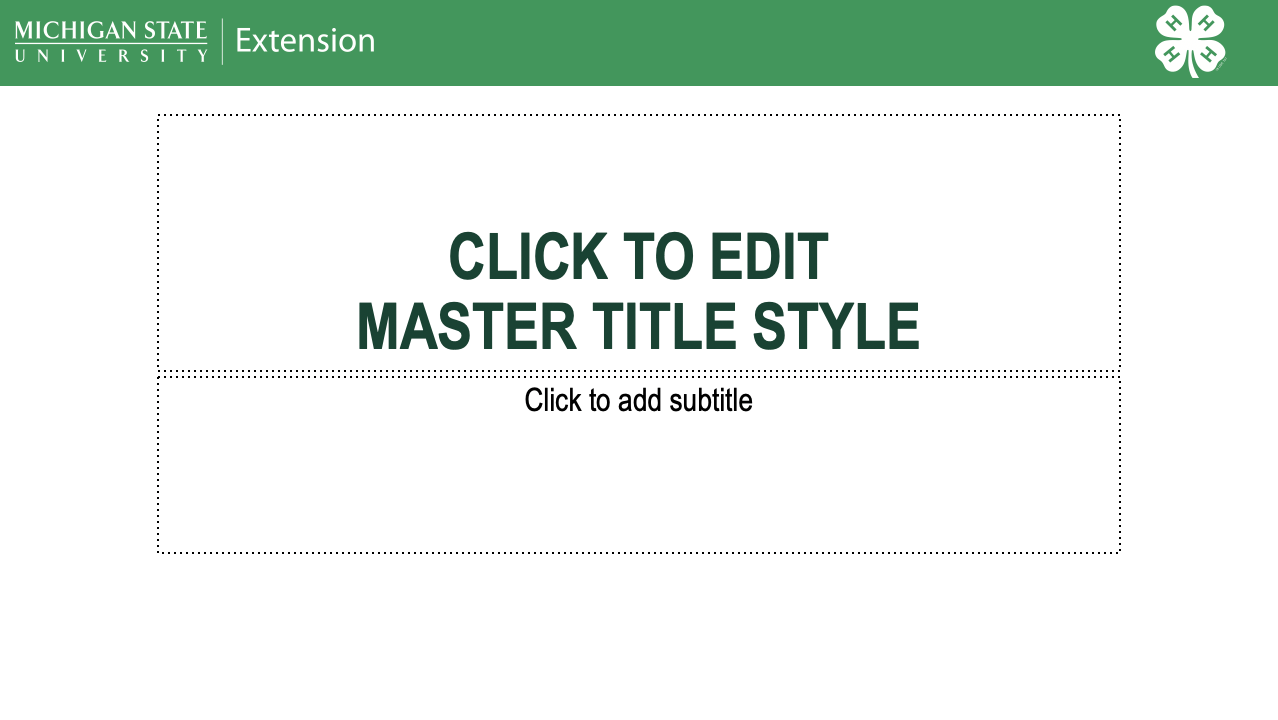
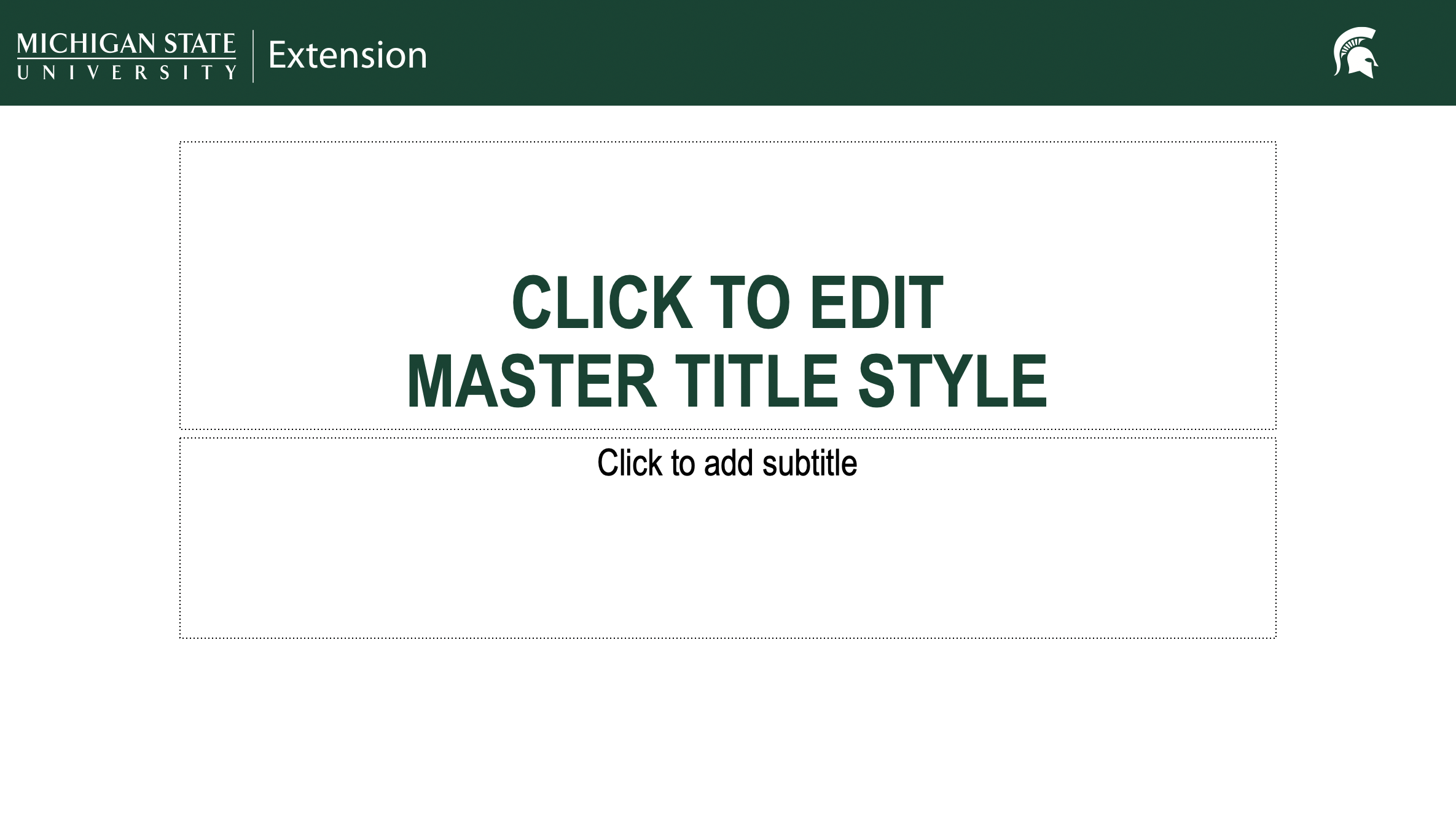
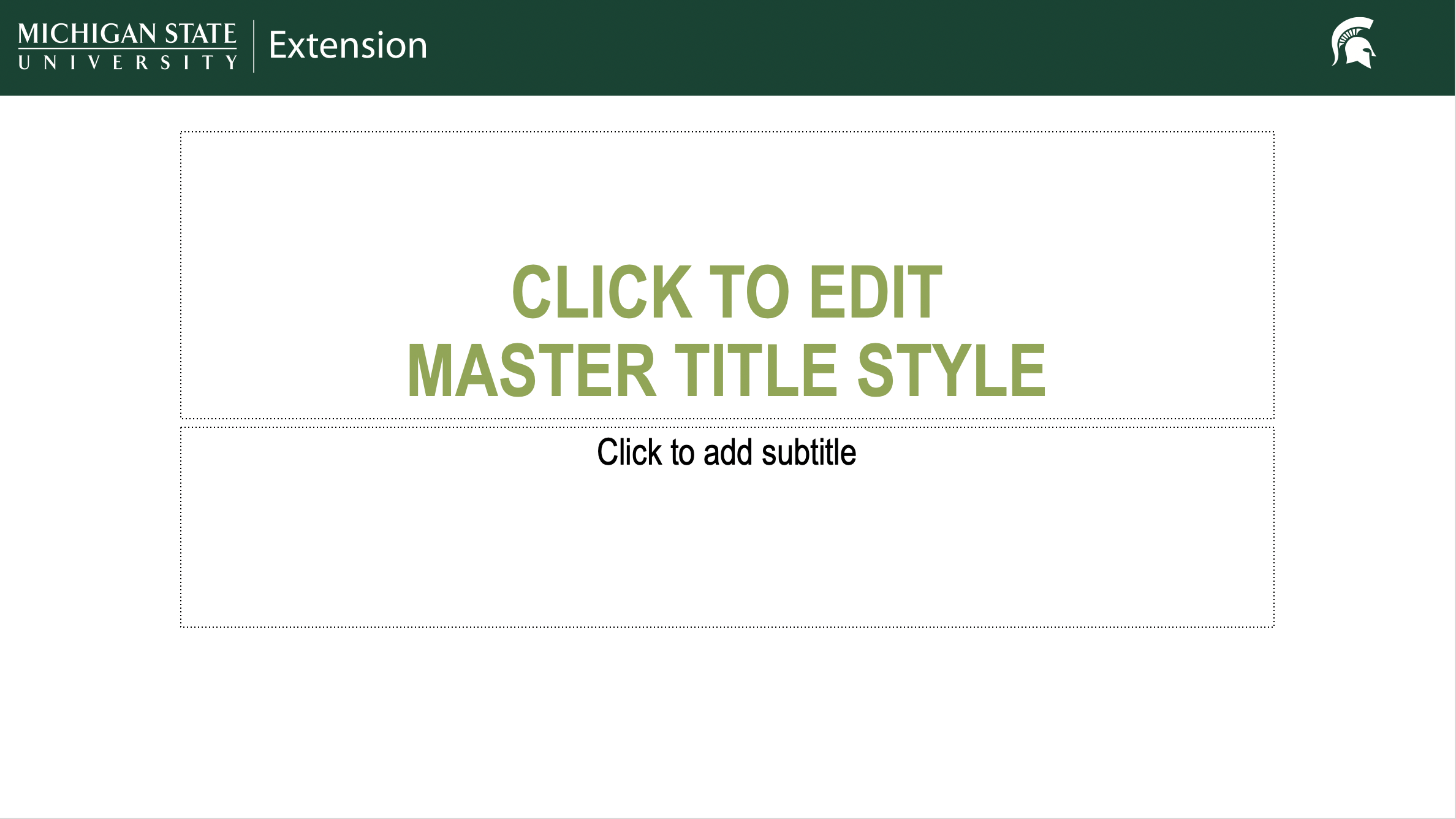
Template Version 2 Options
*Picture can be switched out and customized
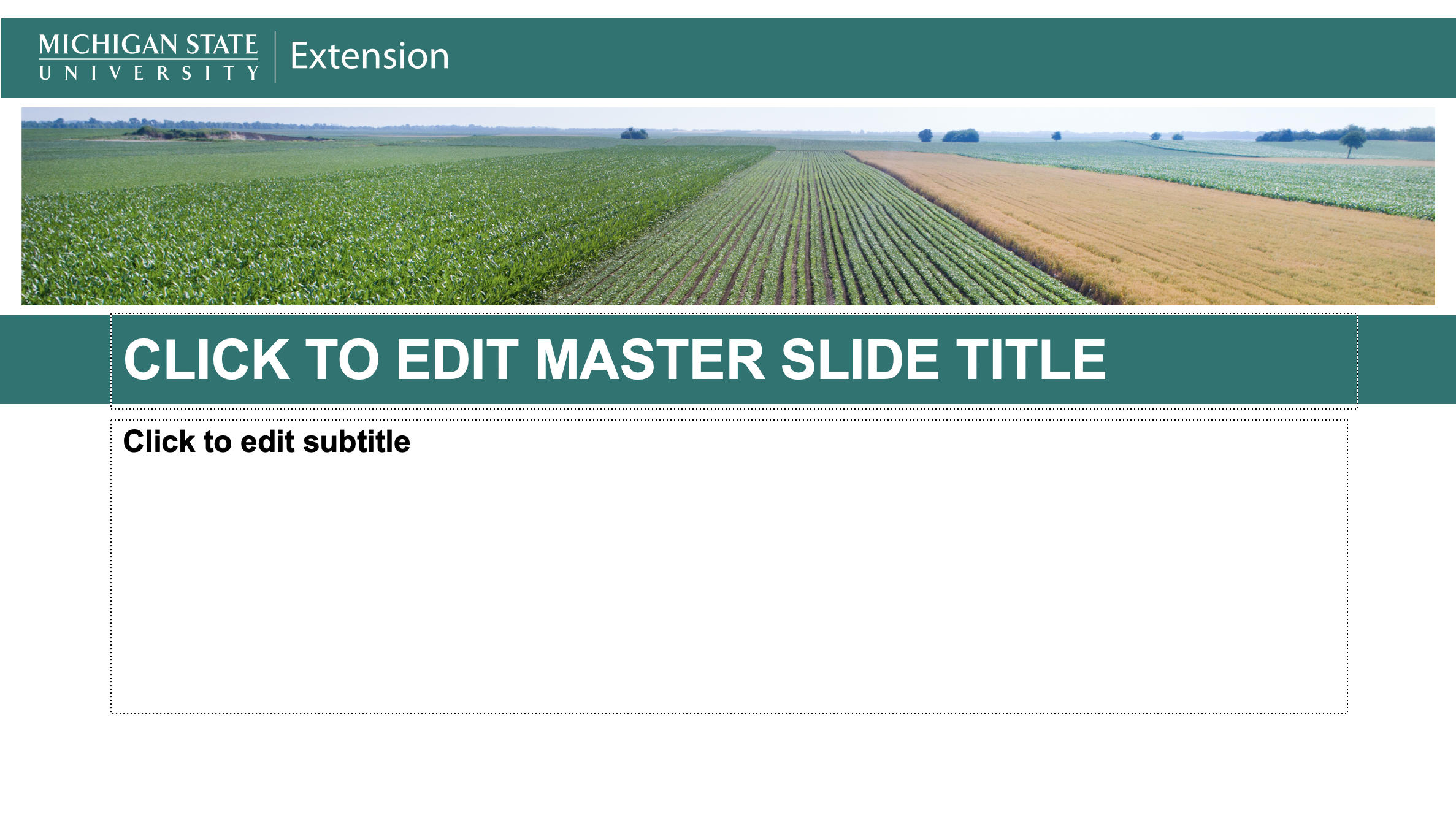
Template Version 3 Options
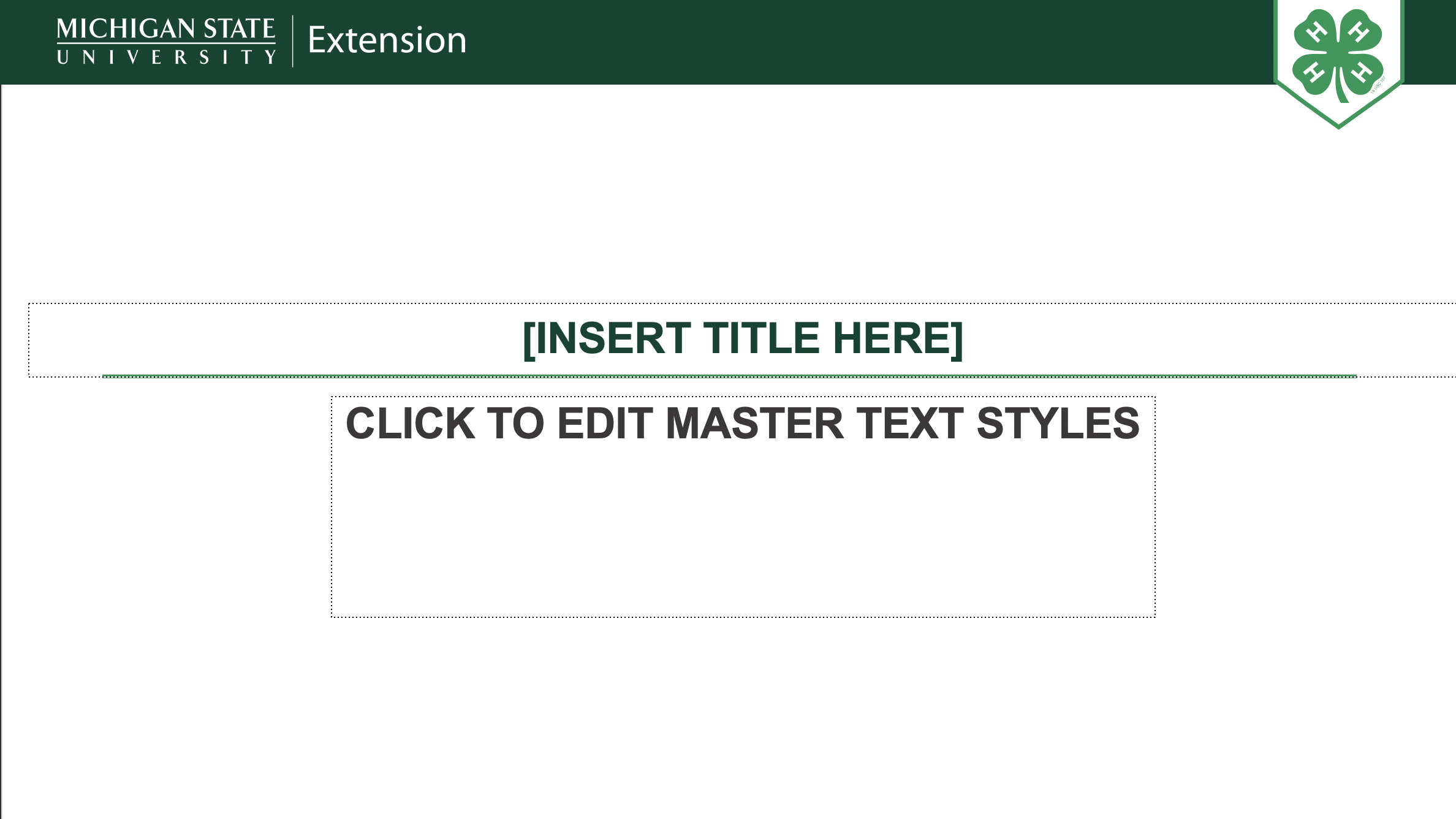
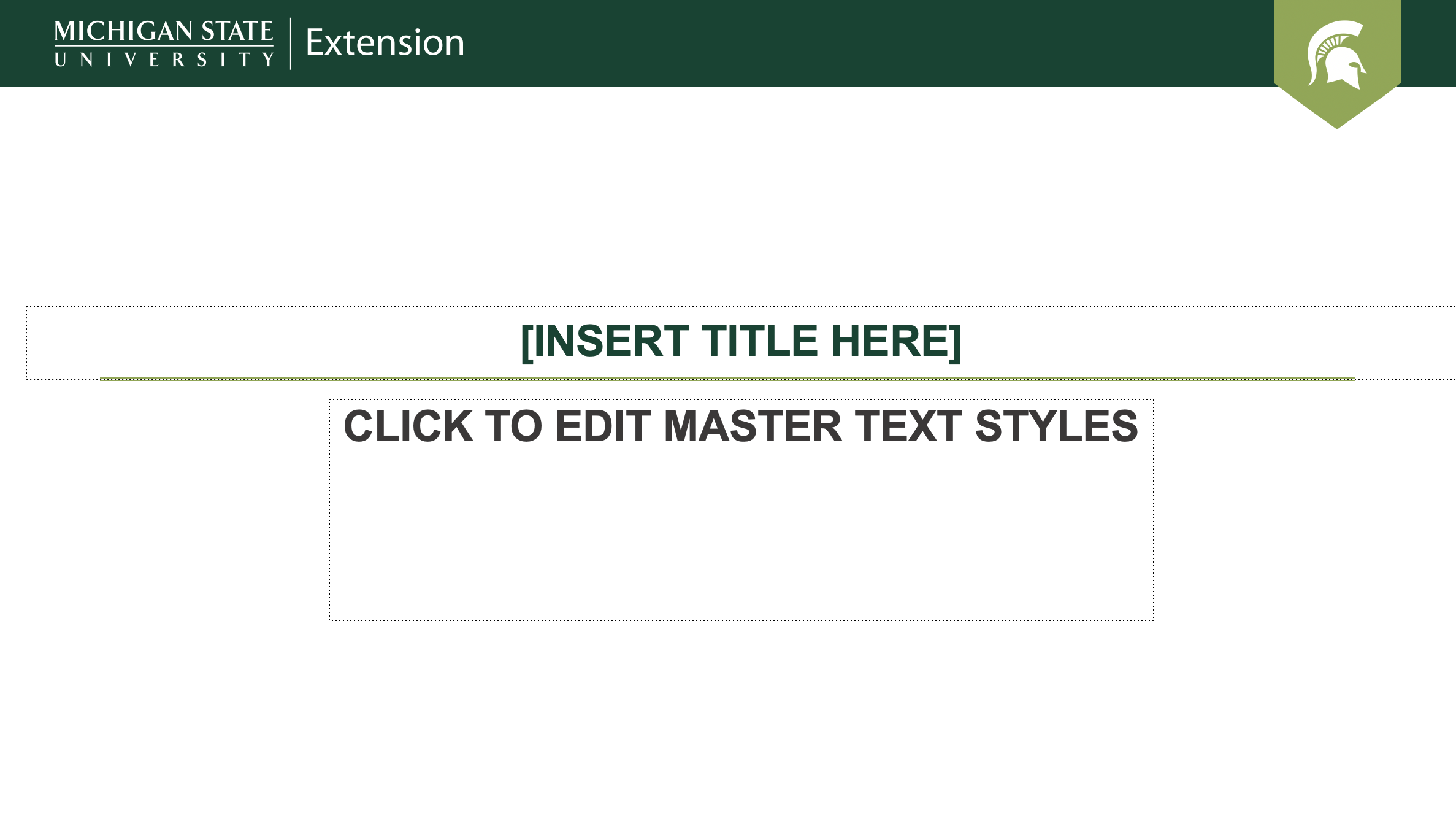
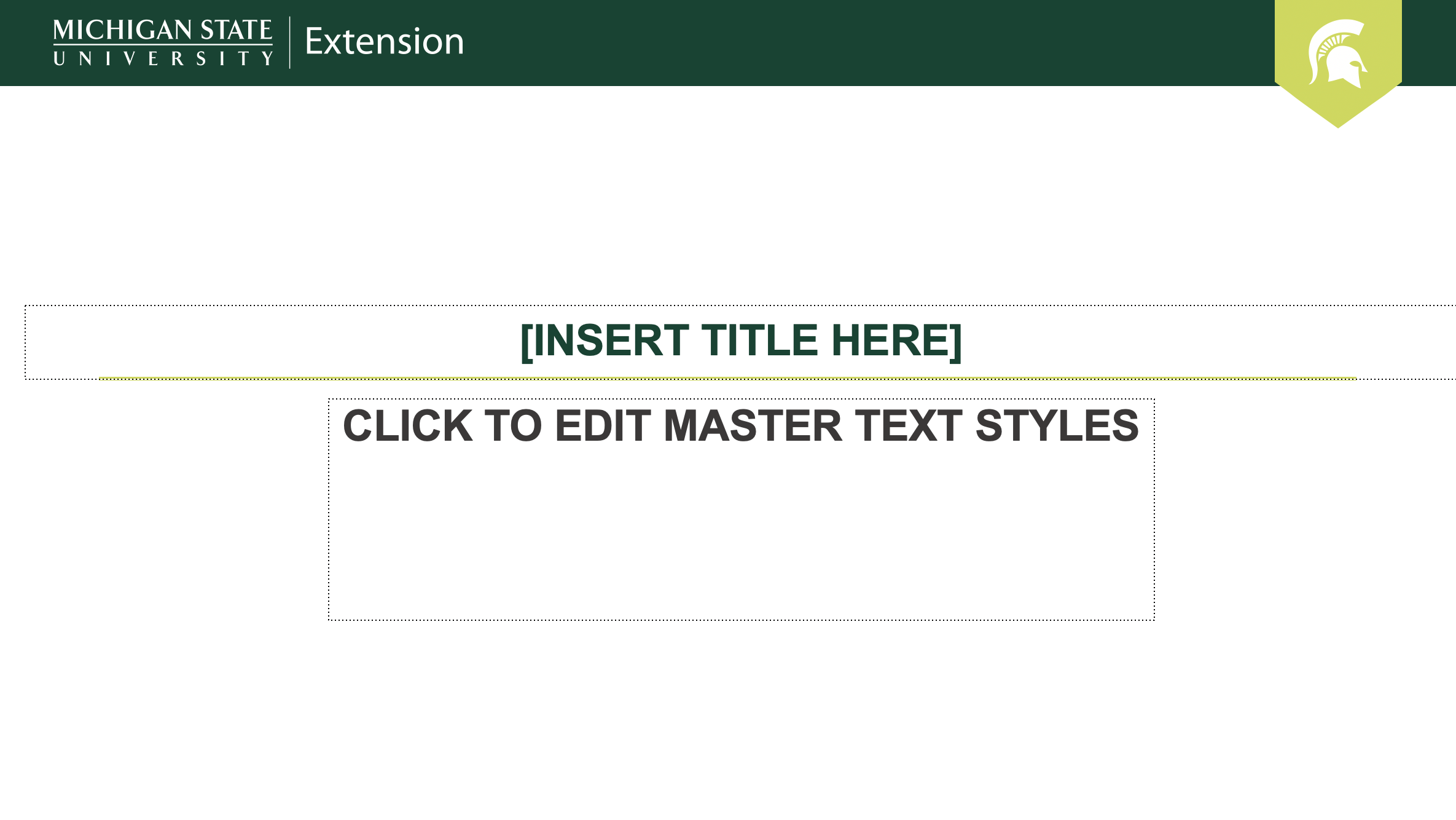
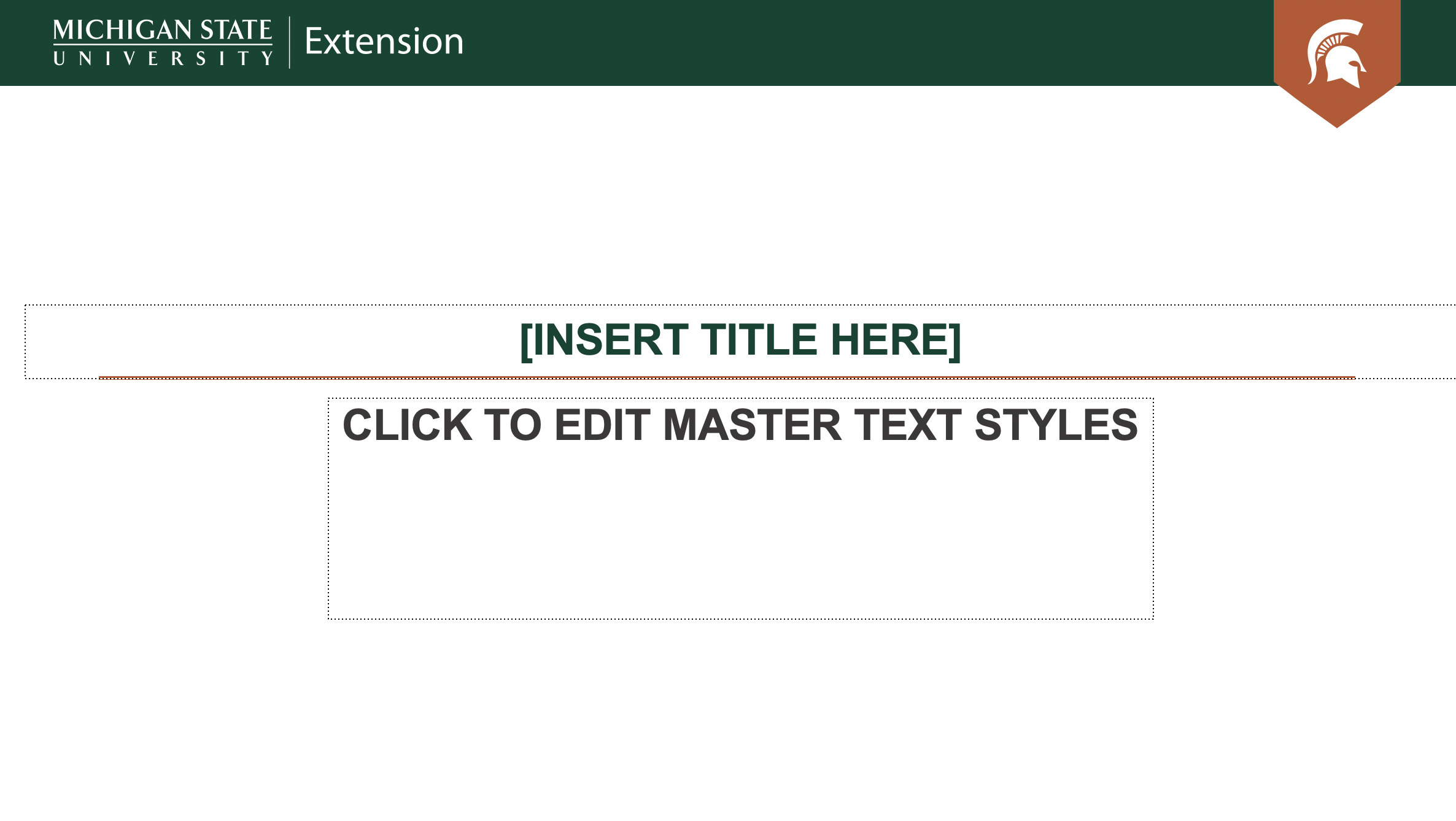
Template Version 4 Options
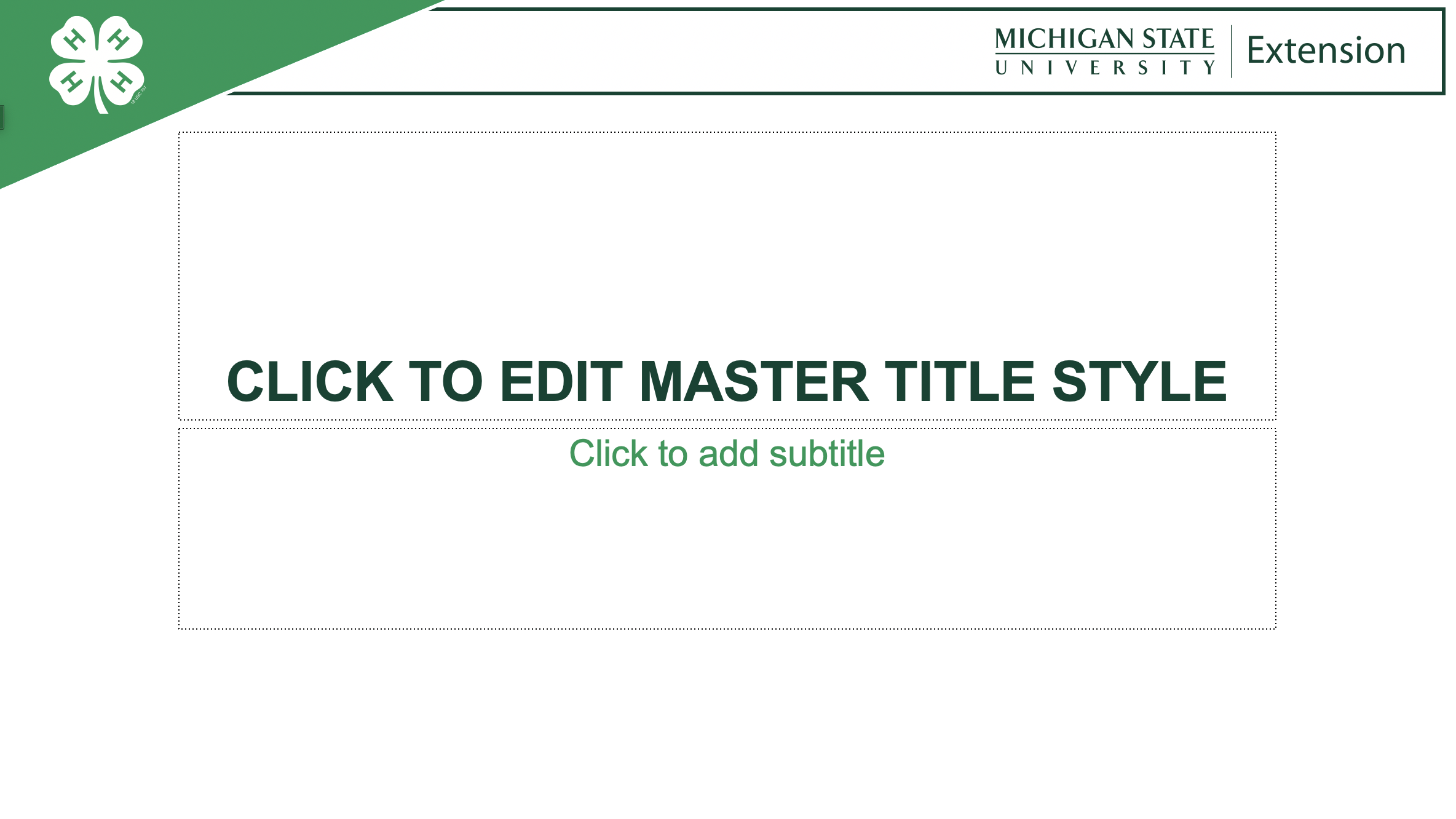
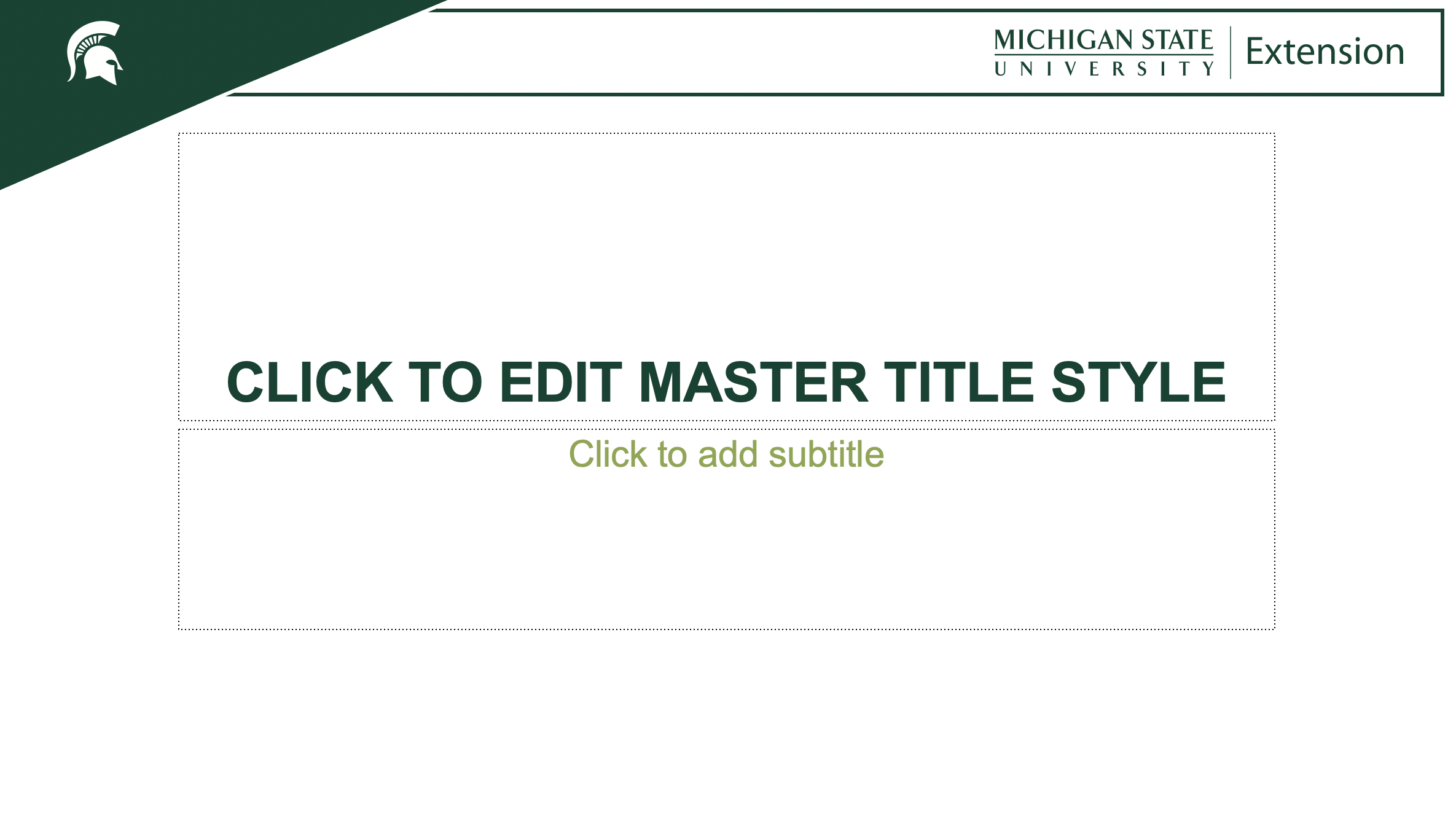
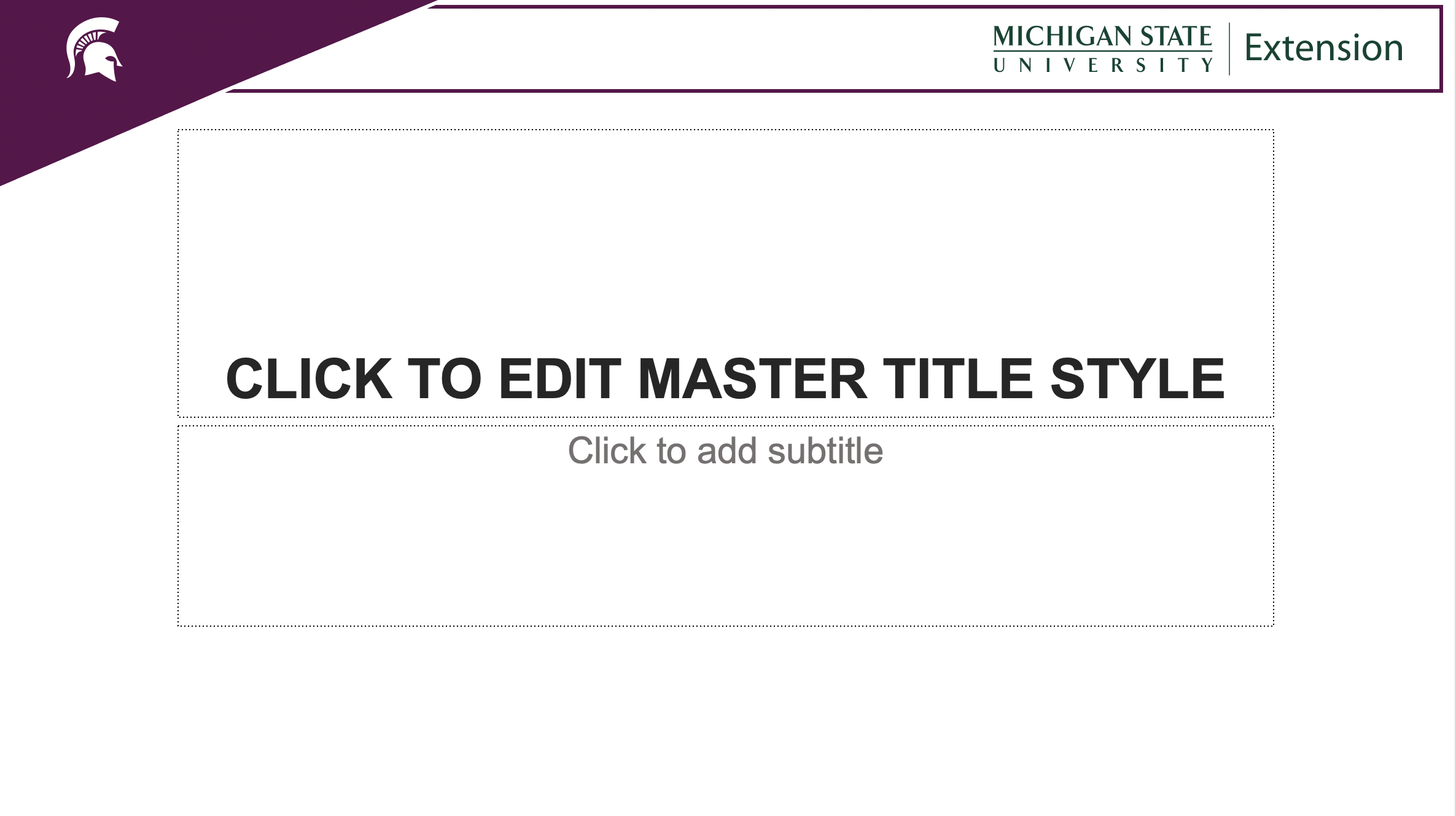
 Print
Print Email
Email